002 Signup and register
Chris McKeown / October 30, 2025
General
~1 min read146 words
0 views
-
Head on over to https://bonustools.kiwicodes.com/register and register, entering your:
- Name
- Password

-
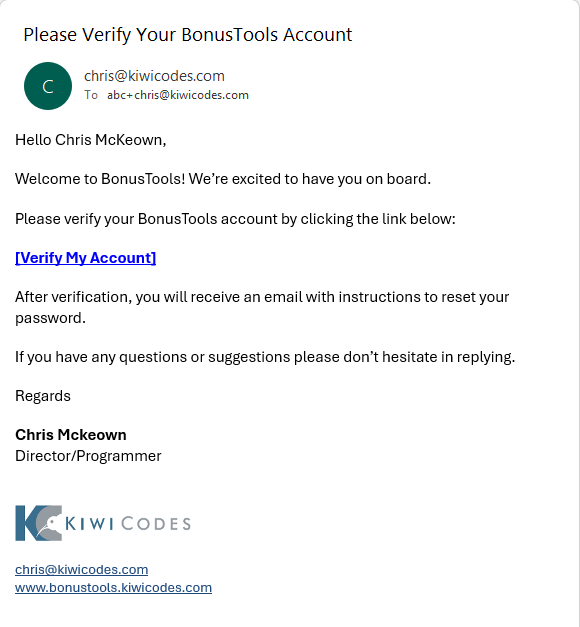
You will receive a email to verify your new account
-
You need to complete your setup by creating or joining a company.
-
To create a Company enter your:
-
Company Name
-
License Key (a license key can only belong to one company!)
-
A URL to your company image (optional)

-
-
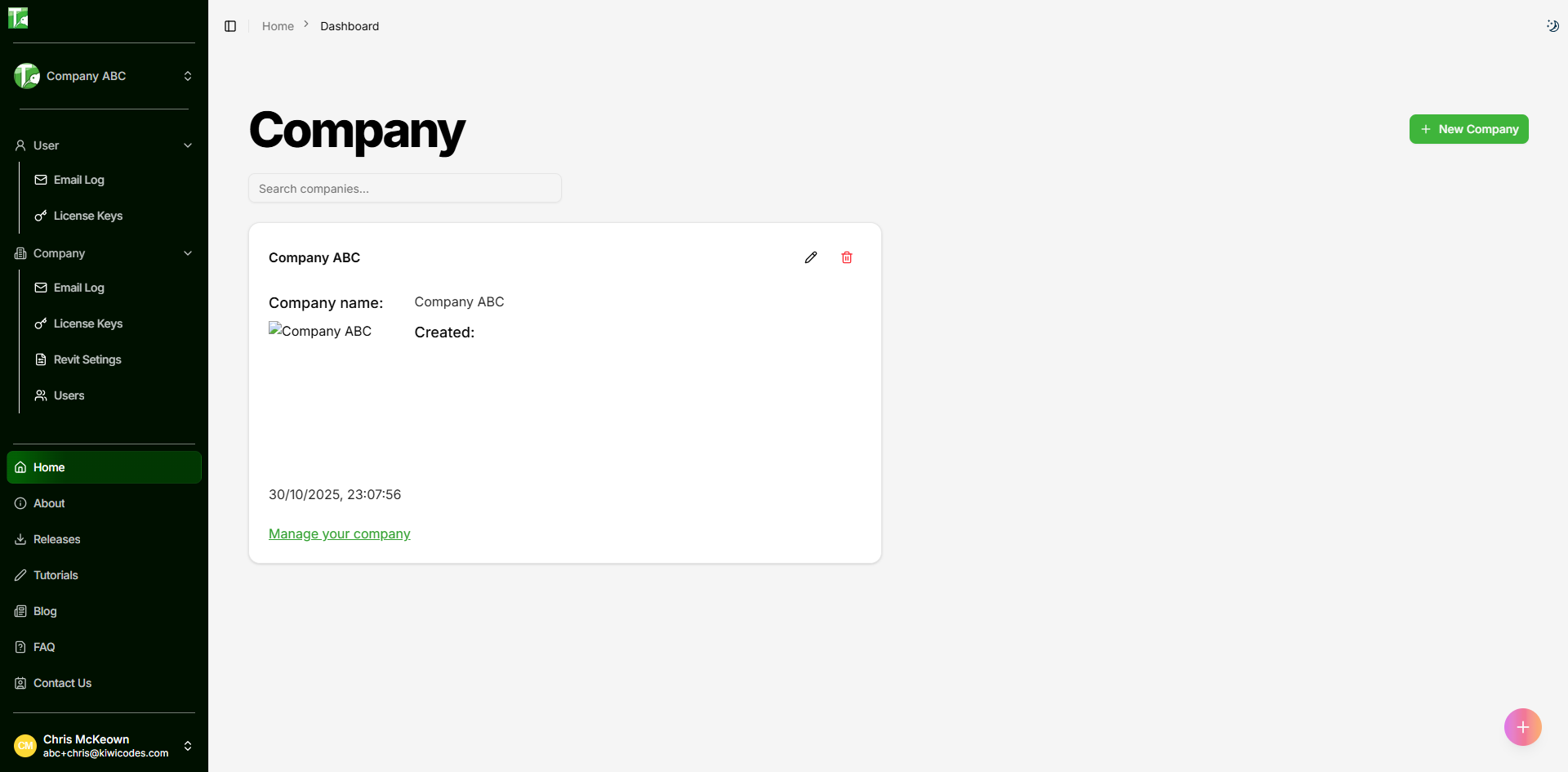
You have now setup your company
-
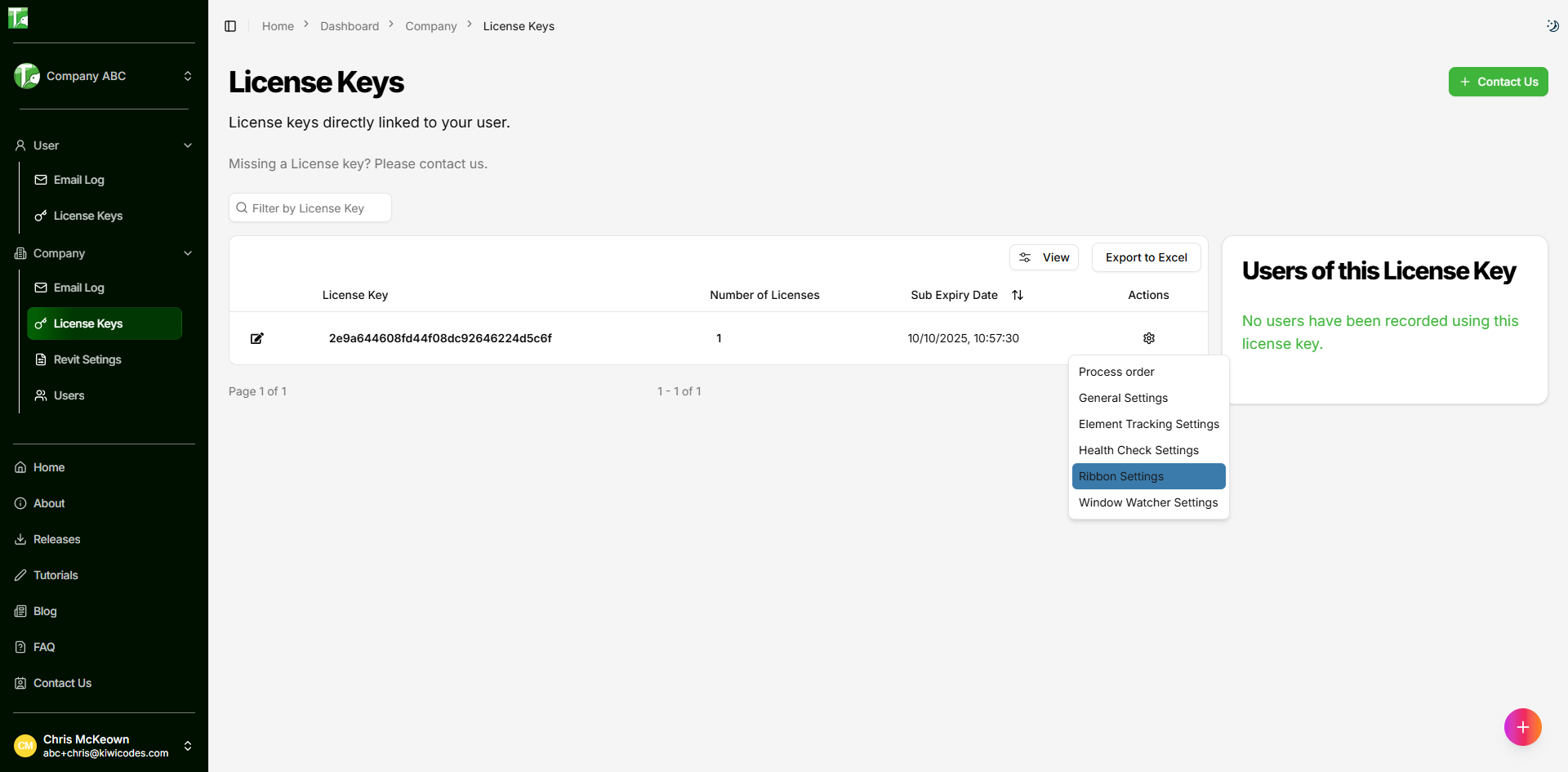
Once created you can go to License Keys to view the keys associated with your company.
From the settings menu you can manage the key:
- Process order (coming soon)
- General Settings
- Element Tracking Settings
- Health Check Settings
- Ribbon Settings
- Window Watcher Settings